Both front & back doors require the same digit code to open. The locks are sensitive and may need a little ‘assistance’ pulling or pushing the doors slightly to help the motor complete its rotation when opening and closing.
Front door
To enter: Press your code sequentially (one by one). By the last digit you should hear the motor. Wait until it has stopped and the door should be open. If the motor clicks or doesn’t open, wait a few moments and try again.
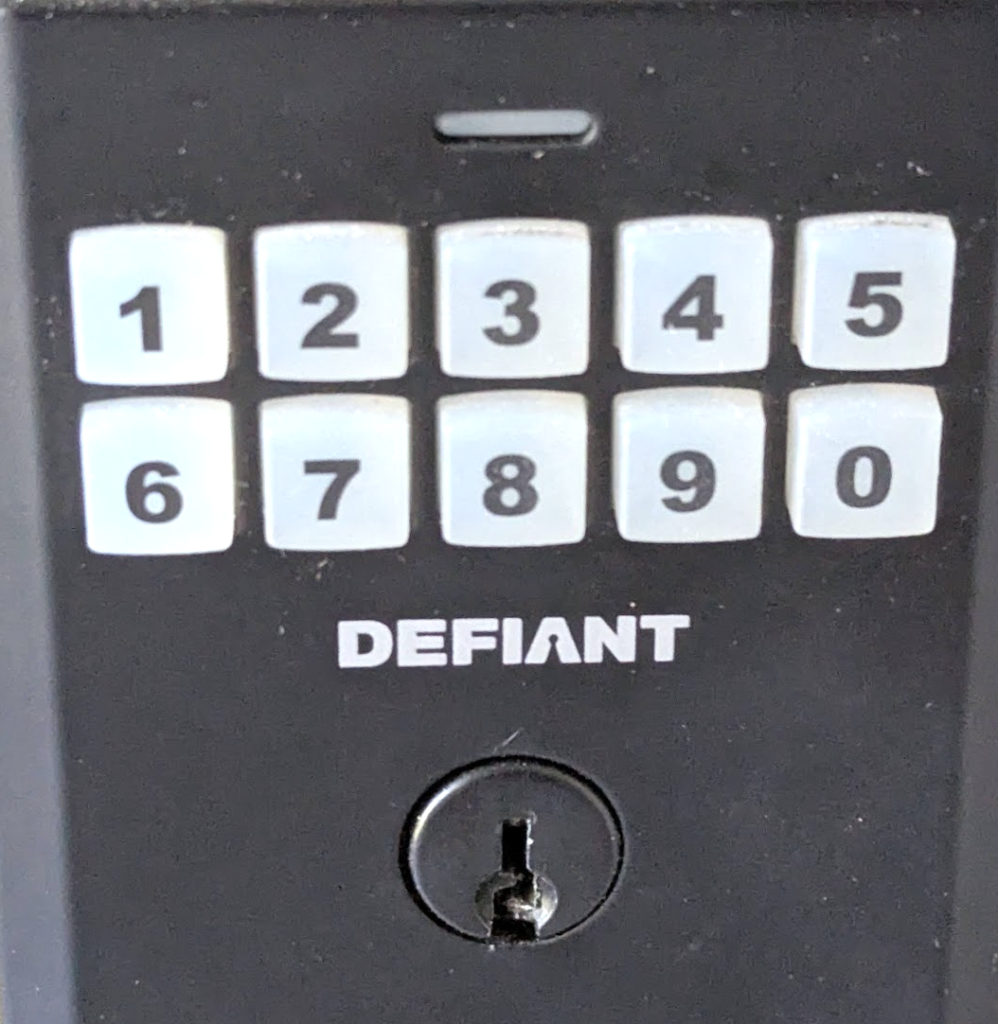
If you do not succeed, head around the house (to your right) and try the same code on the back door on the deck. If neither work then review the chat for the code.
To close the front door: Press ‘0’ to lock, you should hear the motor.
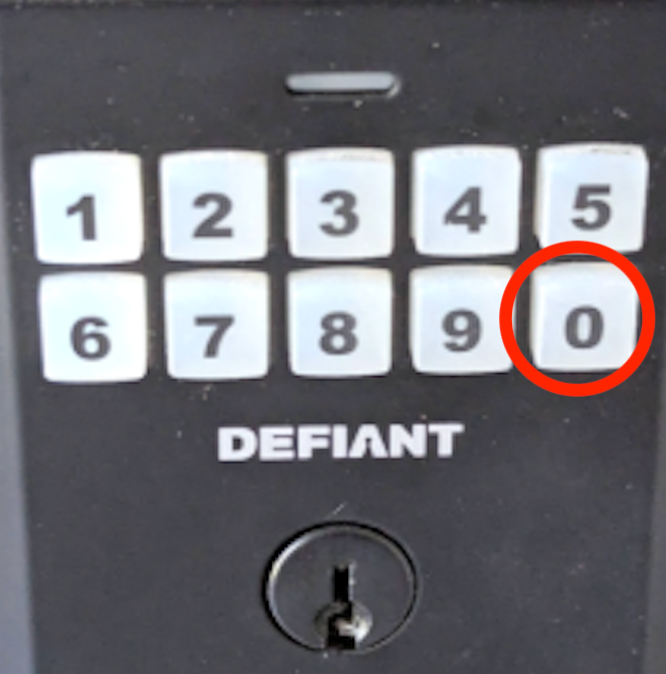
If it clicks or fails to lock, wait a few moments. Try pulling gently on the door while the motor is engaged. If, after a few tries it fails to lock, leave it unlocked but please message us.
Back/deck door
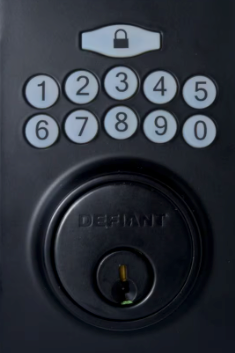
To enter: Enter your provided code sequentially (one by one) and hit the lock button at the top. You should hear the motor, – wait until it has stopped and the door should be open.
If it fails to open, wait a few moments until it has beeped. Then try pushing gently on the door handle, – enter the code and hit the lock button until the motor is finished.
Try the front door if it refuses to open.
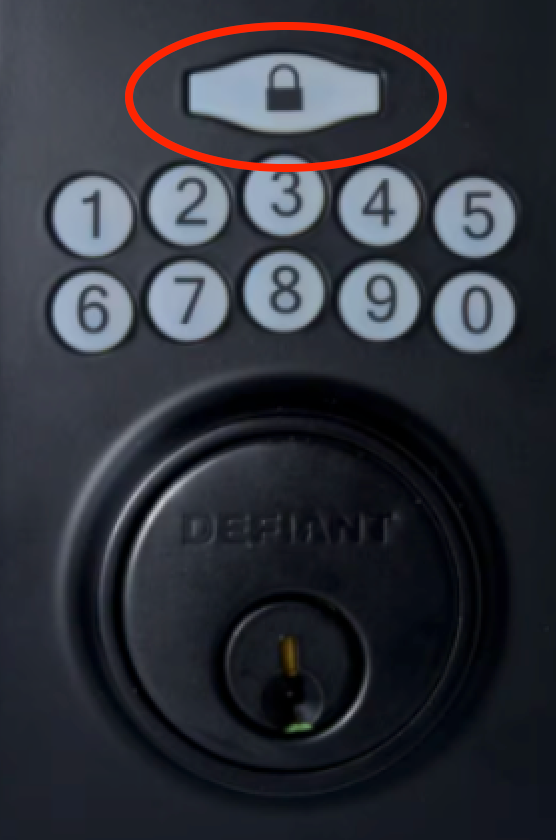
To close: Close the door and gently push but do not turn) on the handle. Press the large button above the keypad, you should hear the motor close the door.
If the motor clicks and fails to lock, gently push (but do not turn) on the handle.